Demos
Play each plugin before you buy it: Soulslike Enemy Combat, Universal Player Combat and Universal Combat Framework. Every demo is the plugin's own demo level: play it in your browser or download the Windows build. You need no Unreal Engine to try it.
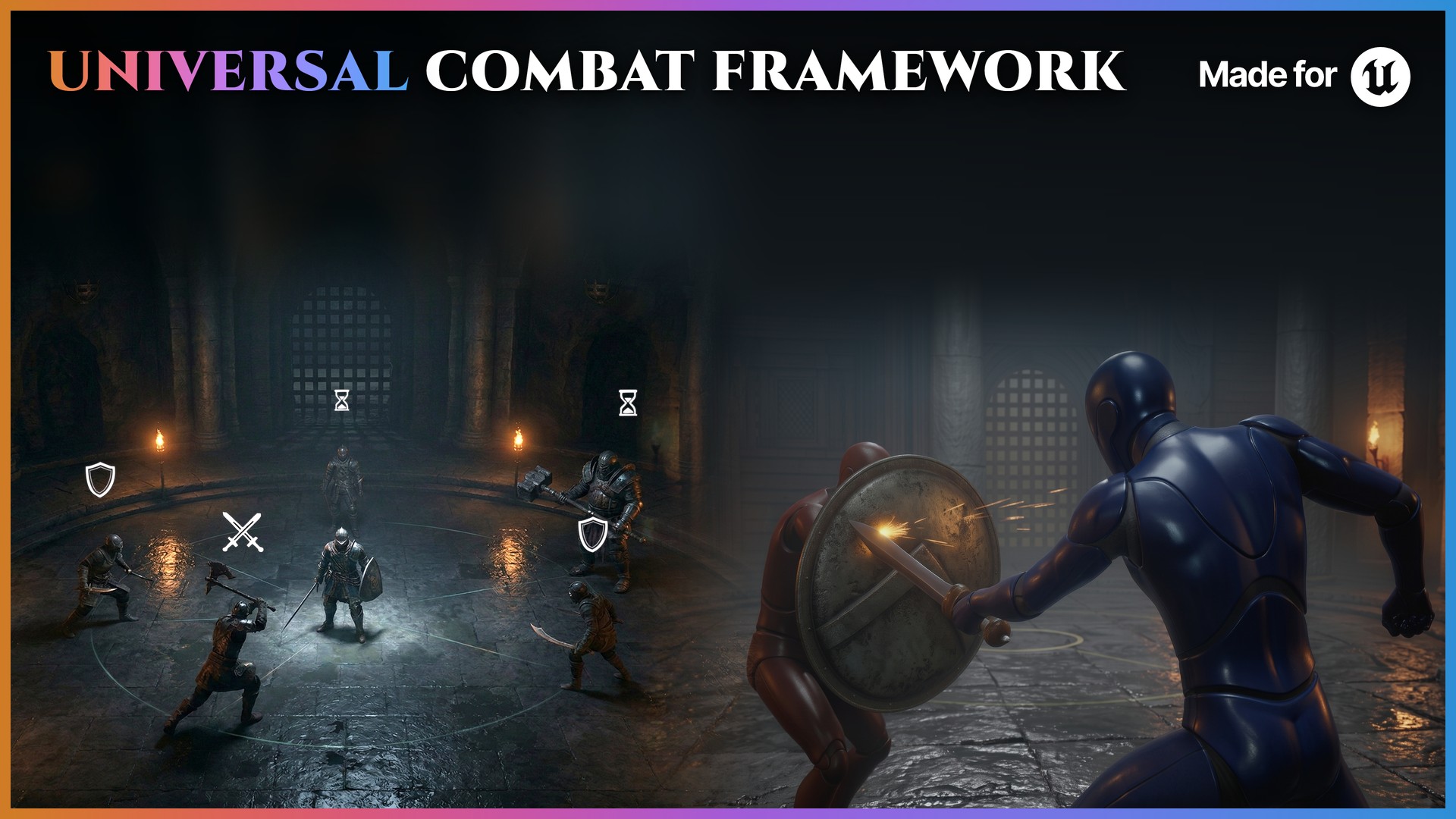
UCF demo
Universal Combat Framework
Play both sides of the fight: your player against enemies that run the enemy AI and fight with combos from the player's own action graphs.
- Freeflow: eight bare-handed enemies taking turns, their punches open to a counter
- Over Shoulder: six enemies drawing a random weapon and playing combos
- The Souls-like arena's dual-sword boss: it parries, guards and rages, breaks under your parries and falls to an execution
- The hallway's doors, chests and paired stations, and the wardrobe hall

Extract the ZIP, then run UniversalCombatFrameworkDemo.exe.
More demos
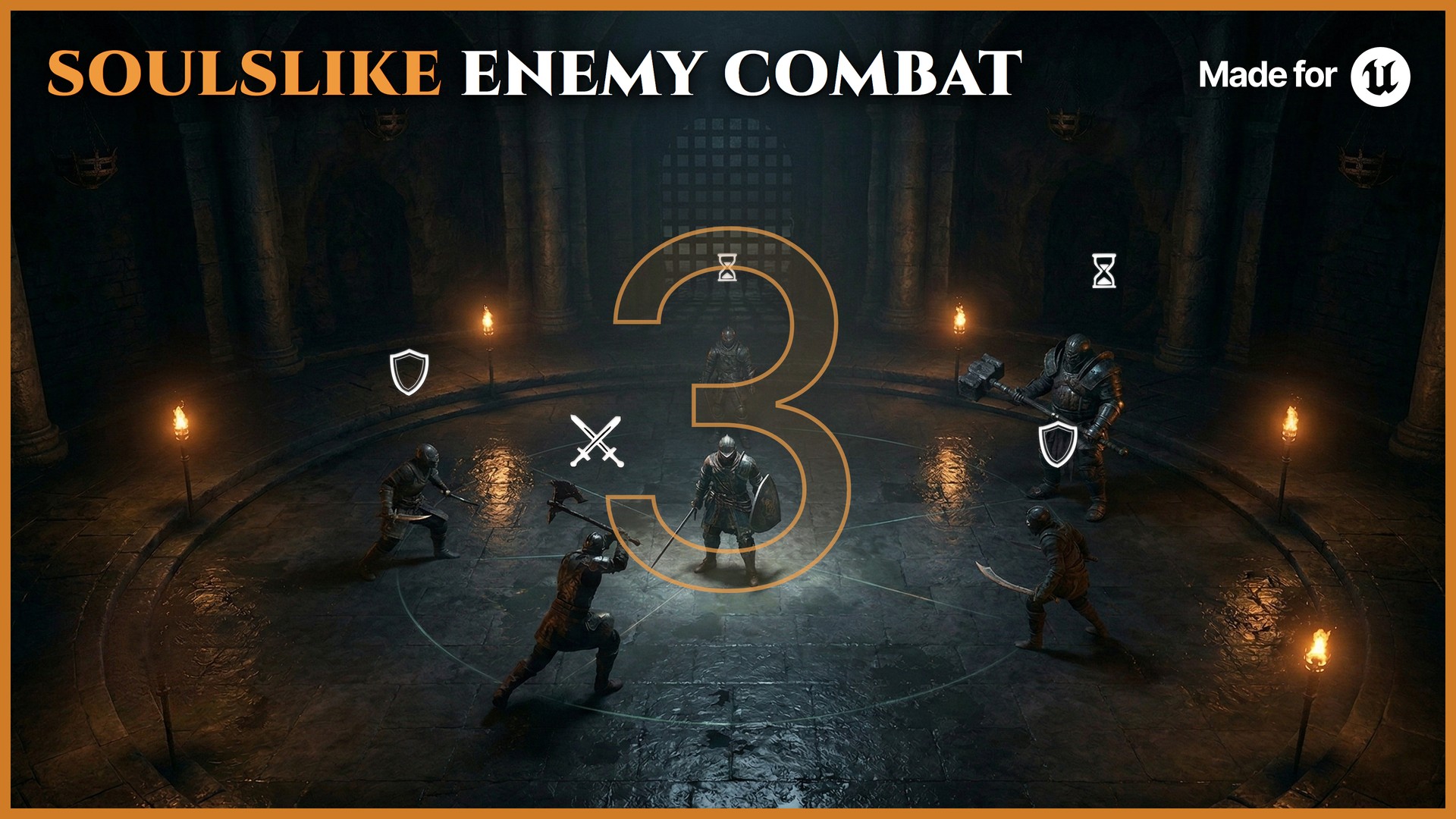
SEC demo
Soulslike Enemy Combat
Fight enemies that circle you, hold their distance and take turns, then answer your swings with a parry, a dodge or a raised guard.
- Patrol, pit and sparring zones
- A boss fight with telegraphed attacks and punish windows
- Enemies that parry, dodge, counter and block
- Combat roles that decide who attacks, who flanks and who waits
Extract the ZIP, then run SoulslikeEnemyCombatDemo.exe.
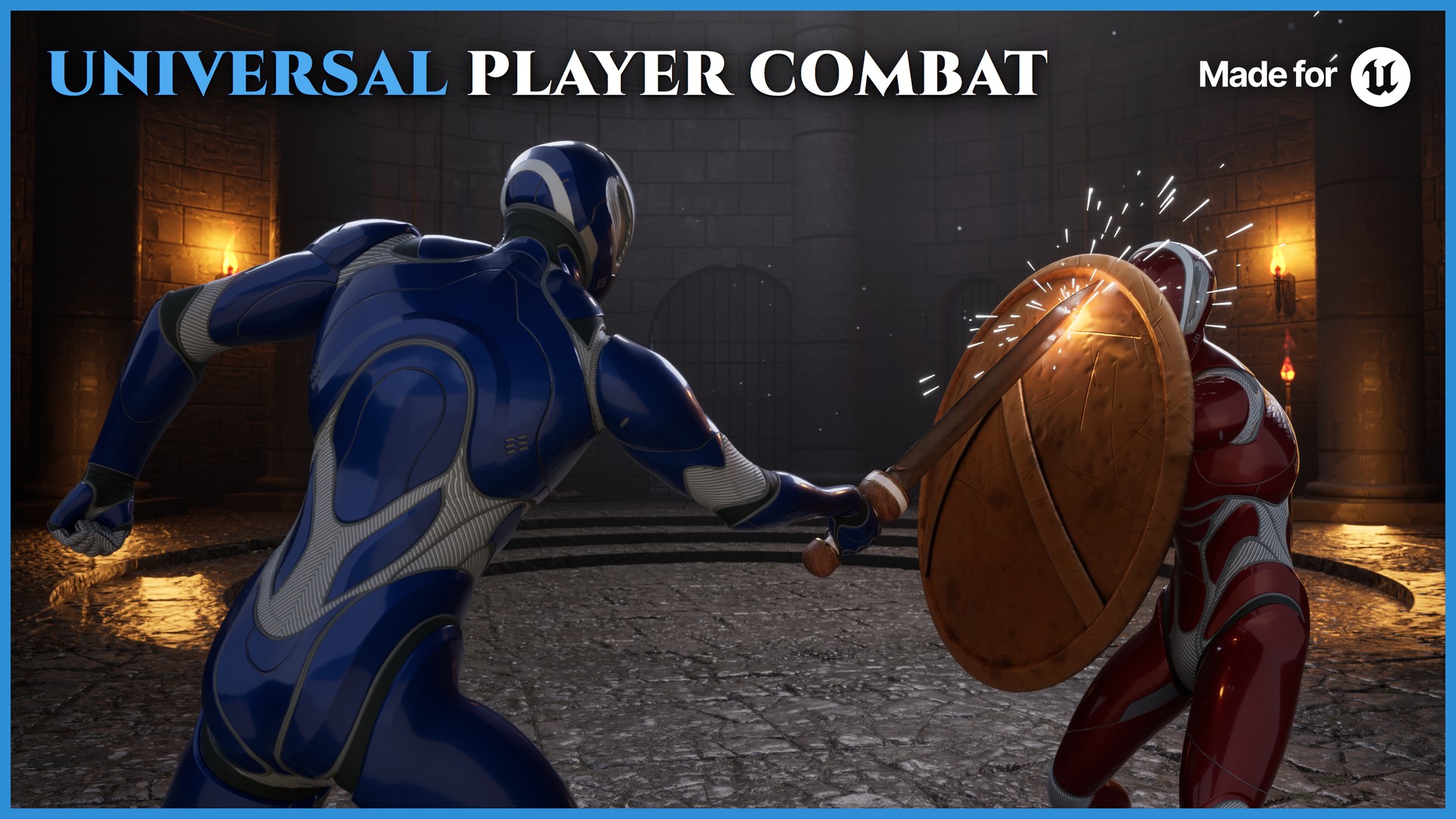
UPC demo
Universal Player Combat
Play the player side: one character in three combat styles, each with its own arena, plus executions, counters, items and three inventory styles.
- Freeflow, Over Shoulder and Souls-like arenas, each with its own enemies
- Six paired action stations with executions, counters and a vault
- Doors, chests, a loot chest and a weapon rack the character reaches for
- A wardrobe of weapons and worn gear, and three inventory styles
Extract the ZIP, then run UniversalPlayerCombatDemo.exe.
Running a demo
Windows protected your PC? The demos are not code-signed, so Windows SmartScreen can stop the first start. Choose More info, then Run anyway.
What you need
- Windows 10 or 11, 64-bit
- A graphics card with DirectX 12
- About 1.5 GB of free disk space for the ZIP and the extracted demo
- A keyboard and mouse, or a gamepad
Terms
The demos are free to play, for evaluation only. You may not pass the files on, sell them or reuse anything inside them. Buying a plugin on Fab gets you the plugin and its demo content under Fab's license.